




POPSUGAR Must have Box is one of the most popular beauty subscription boxes on the market. The goal of this post is to provide answers to common questions. If you want to learn more about POPSUGAR check out our POPSUGAR reviews, spoilers, coupons and other news.
How Do I Cancel My POPSUGAR Subscription?
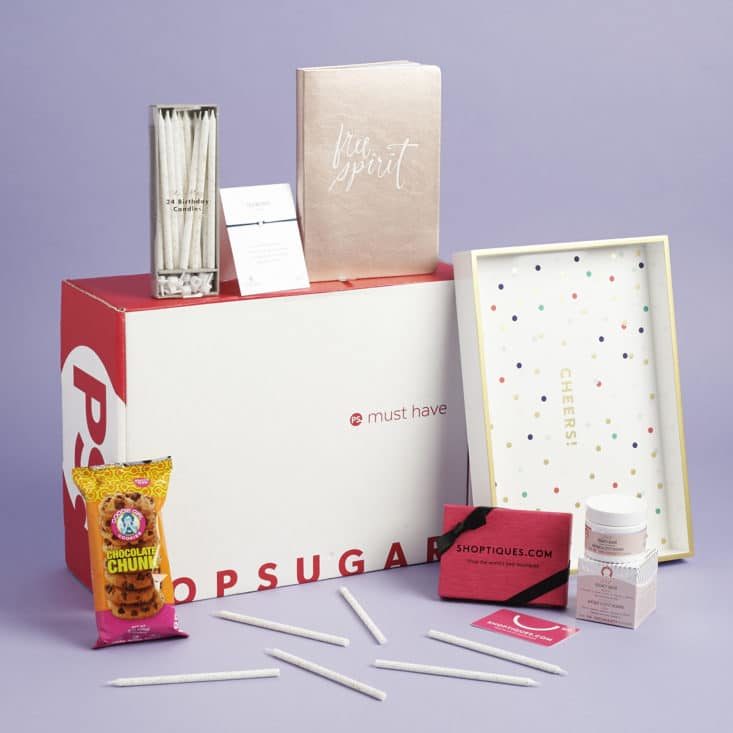
You can cancel your POPSUGAR Must Have subscription in a couple of ways.
- Log into your POPSUGAR Must Have account
- Click Subscriptions in your Account
- Click Details/Manage Subscription
- Click Cancel This Subscription to cancel
You can also cancel your POPSUGAR Must Have box by submitting a request through their contact form or sending an email to [email protected].
POPSUGAR Must Have memberships are continuous and will automatically renew unless you choose to cancel your account. If for any reason, you’d like to cancel your POPSUGAR Must Have subscription, make sure to do so before the dates below or you’ll be charged for next season’s box!
| Seasonal box | Cancellation Deadline |
| Winter | October 15 |
| Spring | February 1 |
| Summer | April 15 |
| Fall | August 1 |
Keep in mind, there is no cancellation fee to pause your subscription and you can resubscribe at anytime.
What is the POPSUGAR Customer Service email?
Email [email protected]
Submit a Request https://musthave.zendesk.com/hc/en-us/requests/new
Want to learn more about POPSUGAR Must Have and what the MSA community thinks of the box? Go to our POPSUGAR directory page here.


